01 / attendance
The register becomes a message.
A teacher marks the class once. Families see the right child’s status, and the office sees the school settle into its day.
4 classes open
238 present
Parents notified
XUS brings the office, teachers, parents and students into one calm, connected rhythm—from the first register to the last message.

Choose a moment in the school day. The same records move quietly between the people who need them, with each person seeing only what belongs to them.
A teacher marks the class once. Families see the right child’s status, and the office sees the school settle into its day.
Homework, marks and timetable changes travel from the teacher’s workflow to the people who need the next step.
A parent gets one useful view instead of a stream of disconnected messages: attendance, homework, bills and what is next.
XUS Brief turns the records already in XUS into a read-only management view, with evidence attached and decisions kept with people.
Role and school boundaries decide what someone sees and changes. The product stays connected underneath, so the office does not have to reconcile four versions of the truth.
People, fees, setup, attendance, requests and school-wide signals in one role-aware workspace.
Mark a register, assign homework, enter marks and see the week without leaving the class workflow.
Attendance, homework, bills, notices, timetable and the school’s next step for each child.
Homework, timetable, exams, results, events and a school-safe place to belong.
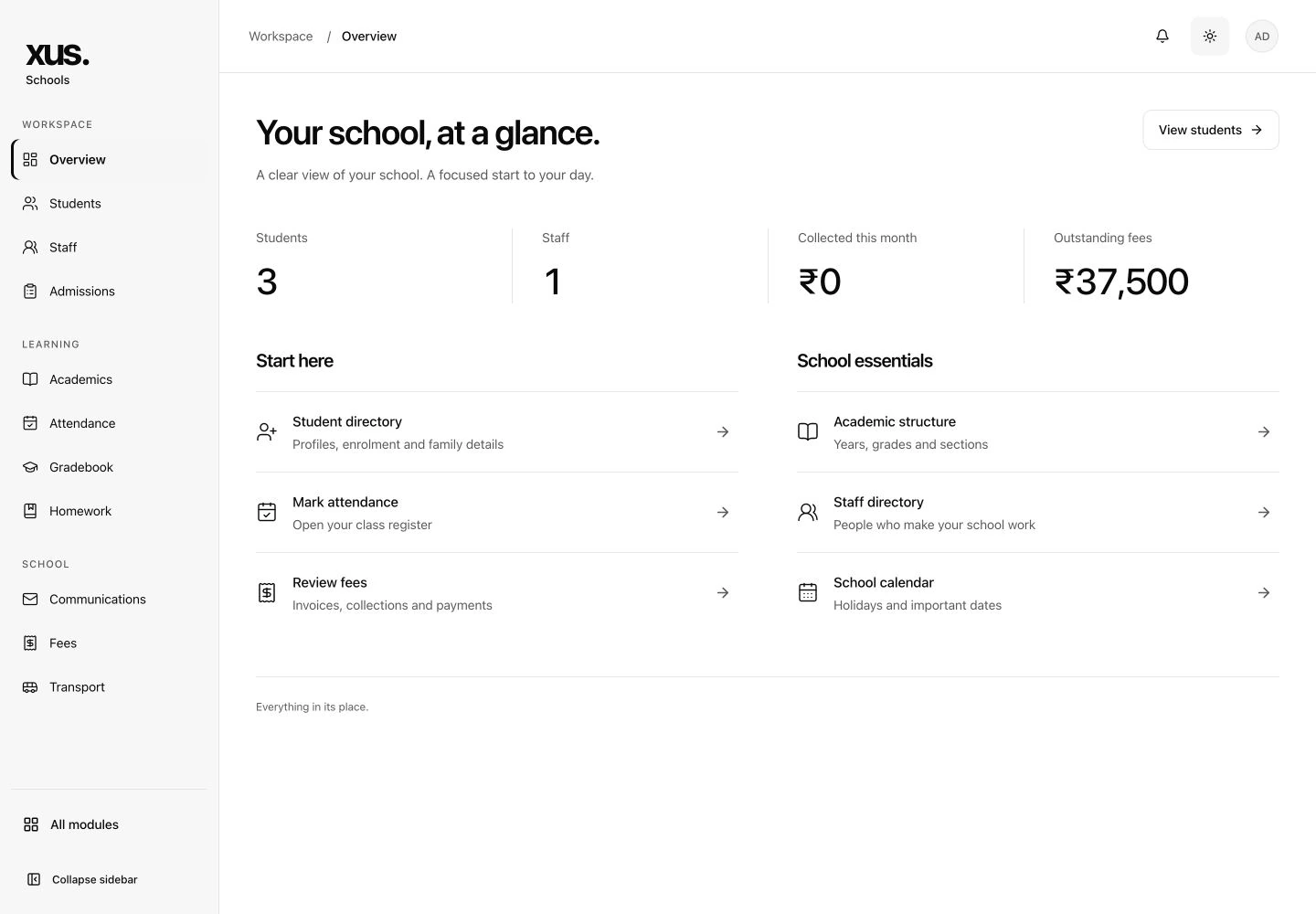

Every module writes to the same school records. That is what makes a register useful to a parent, a fee balance useful to the office, and a management question answerable with evidence.
Filter the system by the work it supports. The same product serves the office, classroom, family and student without turning into four disconnected apps.
Complete-roster checks and conflict-safe saves.
Teacher to family in one step, with notifications.
Marks entry, report cards and release control.
Periods, datesheets and class coverage.
Guardians, logins and spreadsheet placement.
Departments, shifts, leave and appraisals.
Audience-aware communication and routed issues.
Invoices, partial payments and concessions.
Routes, stops and the parent bus view.
Assets, vendors, rooms and occupancy.
Optional moderated social spaces and chat.
Read-only management summaries with evidence.
Campus gives students a school-governed space for posts and conversations. Each school chooses whether to enable it, with parent consent, reporting and moderation in the flow.

XUS Brief helps management find the signal in the records already in XUS. It is read-only, permission-aware and keeps the evidence beside the answer.
Start with a question in plain language about attendance, fees, requests or operations.
Open XUS Brief ↗Signals come with source records, timestamps and a clear view of what the brief does not know yet.
See the evidence ↗The assistant prepares the context. People keep the decision, approval and responsibility.
Talk through a pilot ↗We will tell you what is live, what is optional and what is still on the roadmap.
Founding-school pricing is ₹50,000/month for up to 1,000 active students for the first 12 months. Standard pricing is ₹100 per active student/month. See the full pricing page.
No. Export what you have, match our template columns and preview every row before anything is saved.
The school. It can be exported on request and is never shared between schools or used for anything else.
The same app is built for both. The web application works in any modern browser for the office and teachers.
XUS Brief is read-only and permission-aware. It summarizes information already available to the signed-in school leader and cannot edit records.
Online fee payment and phone OTP sign-in are on the roadmap, not the brochure. Ask us and we will give you the date.
We set up the school, seed the first data with you and sit with your office through the first week.